From ImagePhotoSketchRenderScreenshotAny imageto a CAD drawing in seconds with AI




1,200+ reviews
Photo to technical drawing in three steps
Upload your object
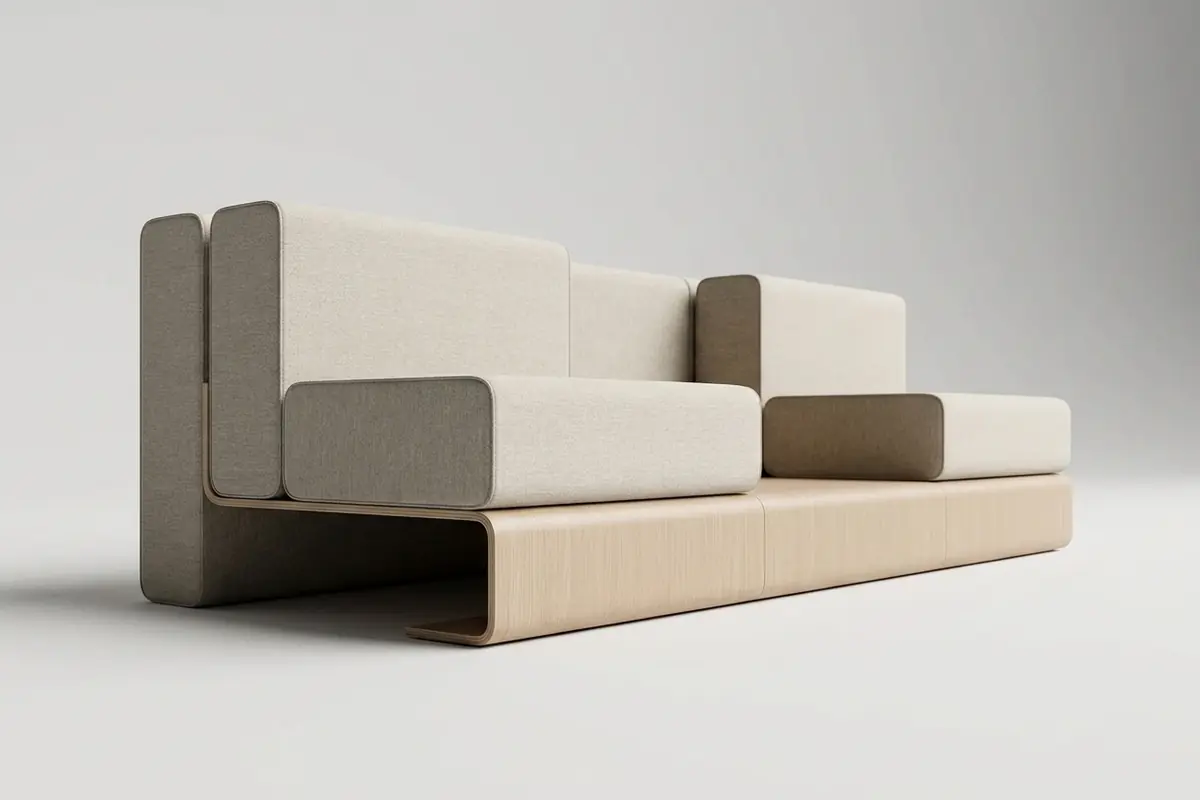
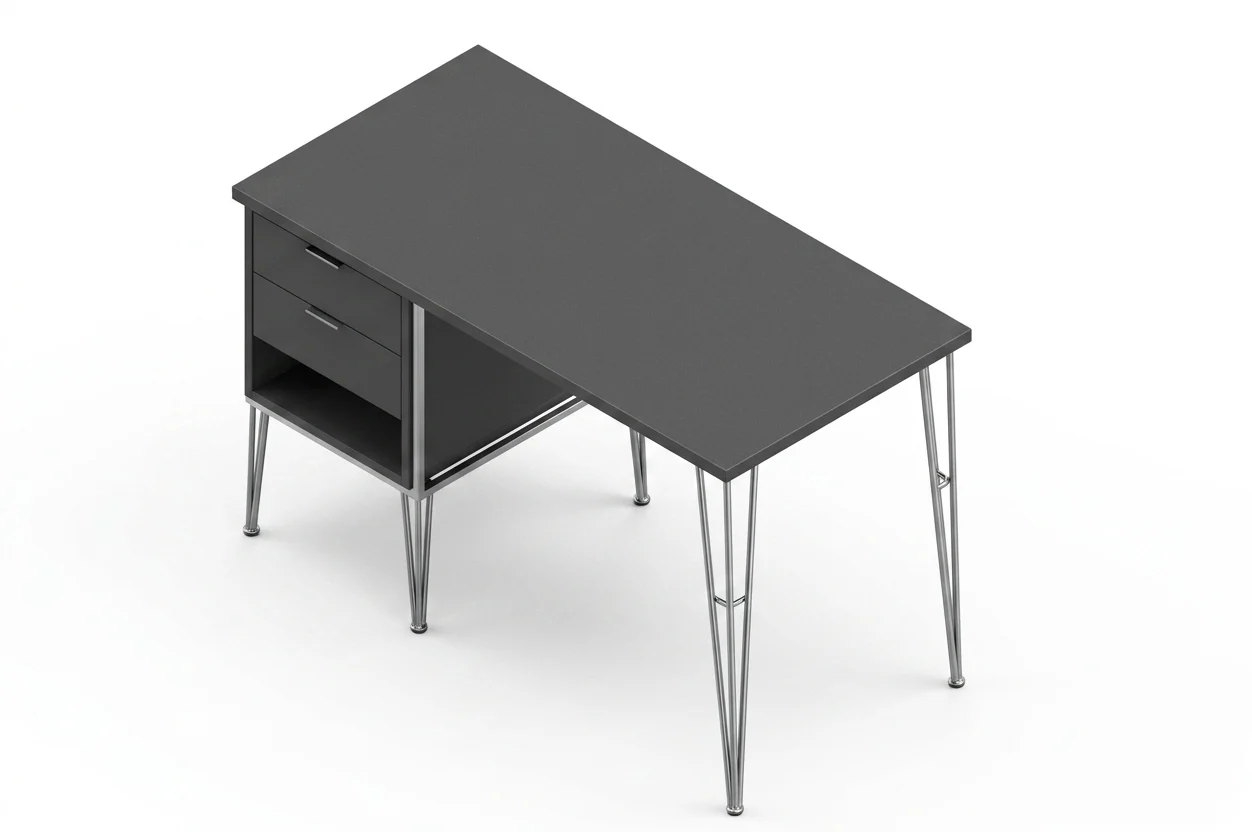
Drop in a photo, sketch or image (JPG, PNG, HEIC) of the object you want a CAD drawing of.
Choose type & measurements
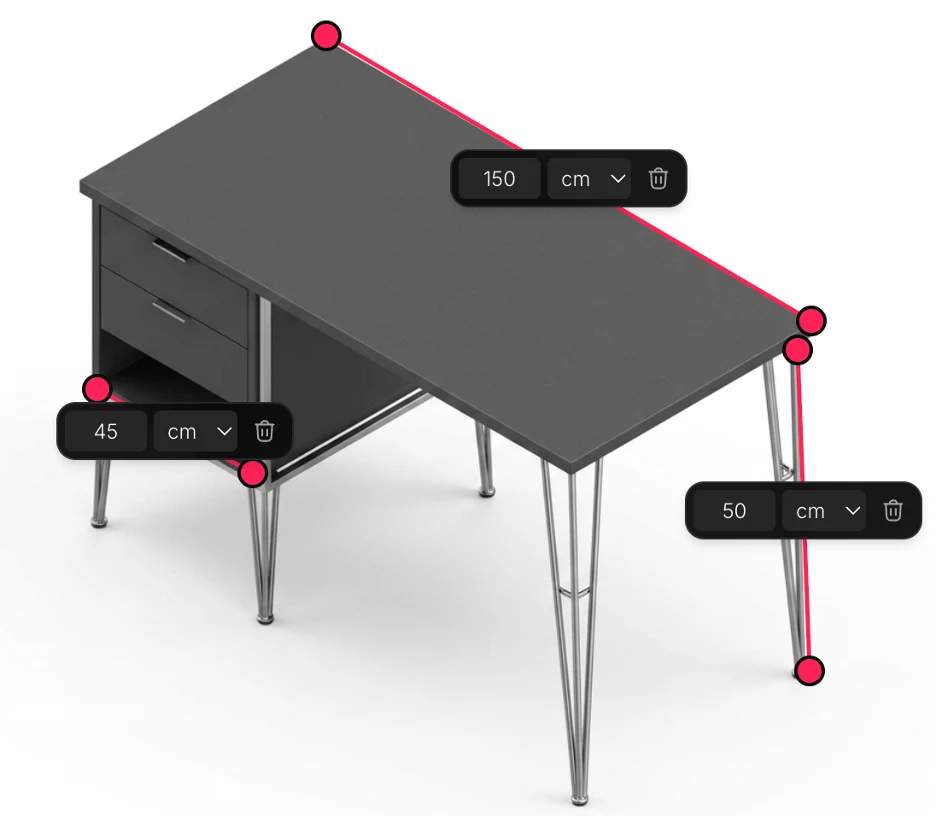
Pick the drawing type and units, then set the real scale and lengths of your object so every dimension comes out accurate.
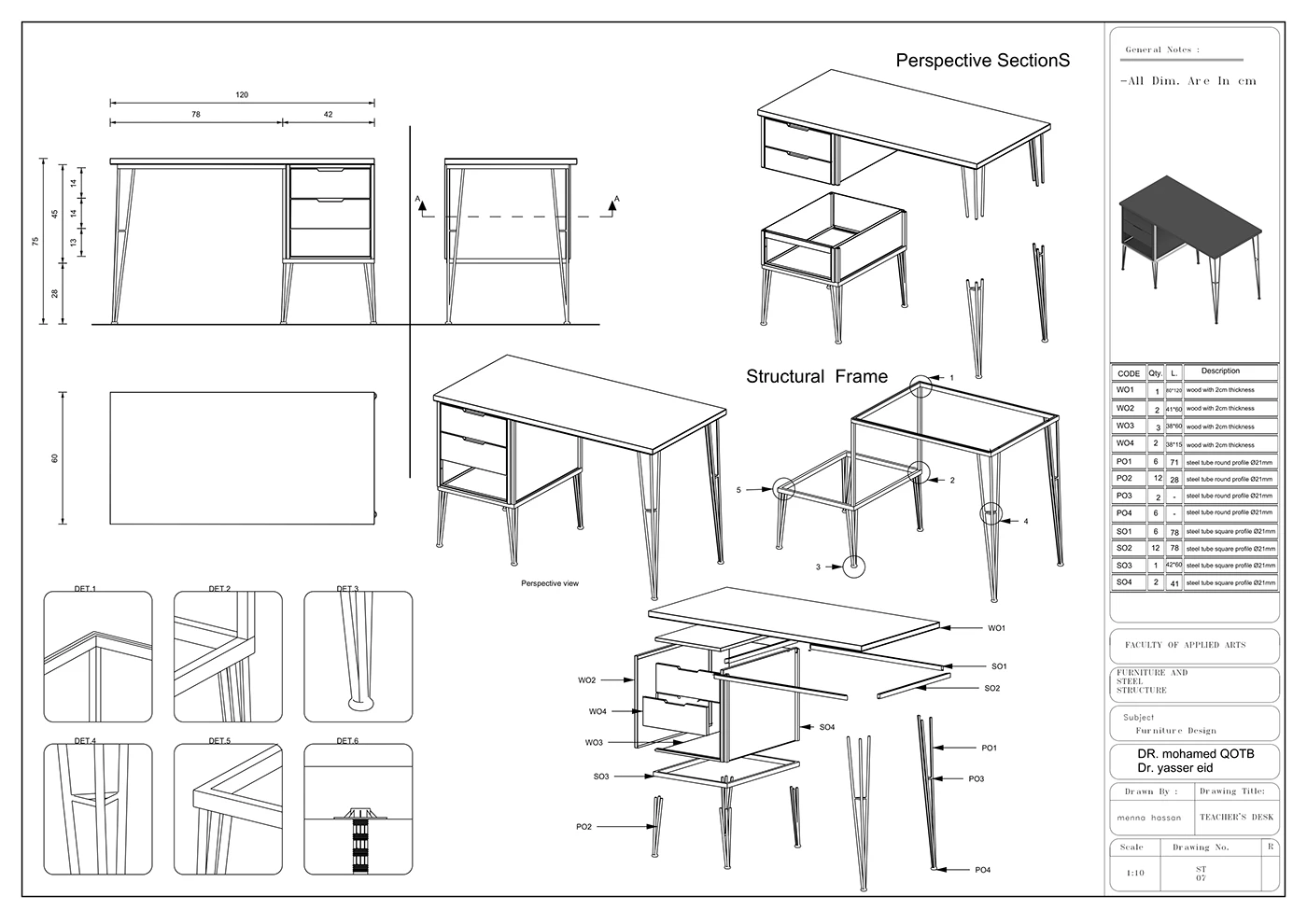
Get your drawing
Receive a clean, dimensioned, standards-compliant technical drawing that is ready to export.
AI drawings for what you make
One converter, six rulebooks. Pick the work you do and the sheet comes out the way that trade expects it: the views, the callouts and the file the next machine needs.
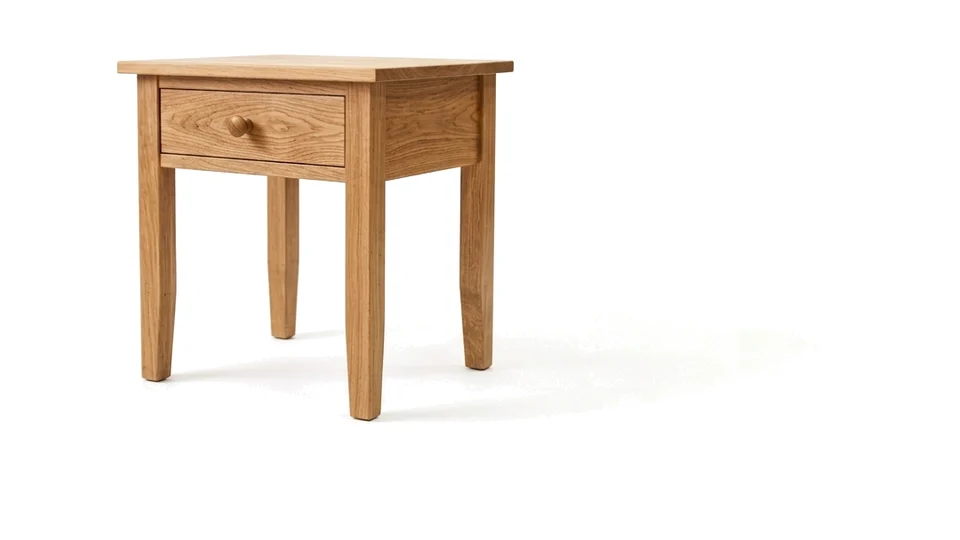
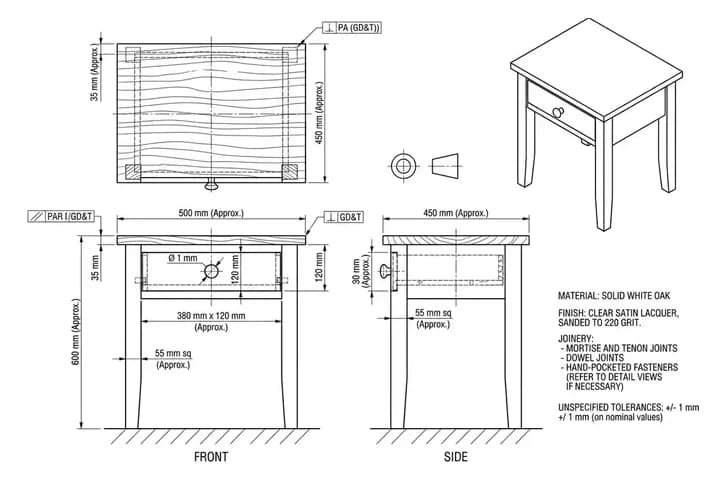
Furniture
Shop drawings with joinery detail, real sizes and a cut list.
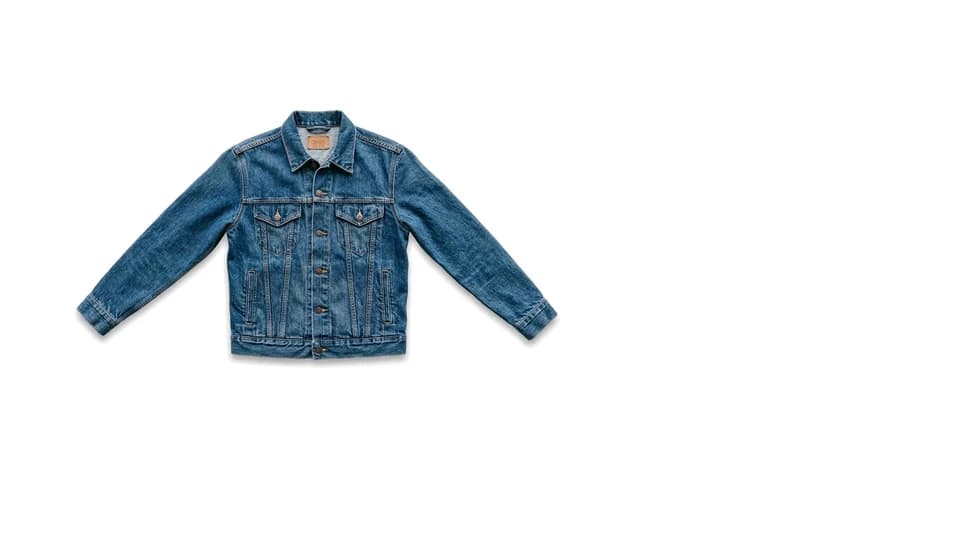
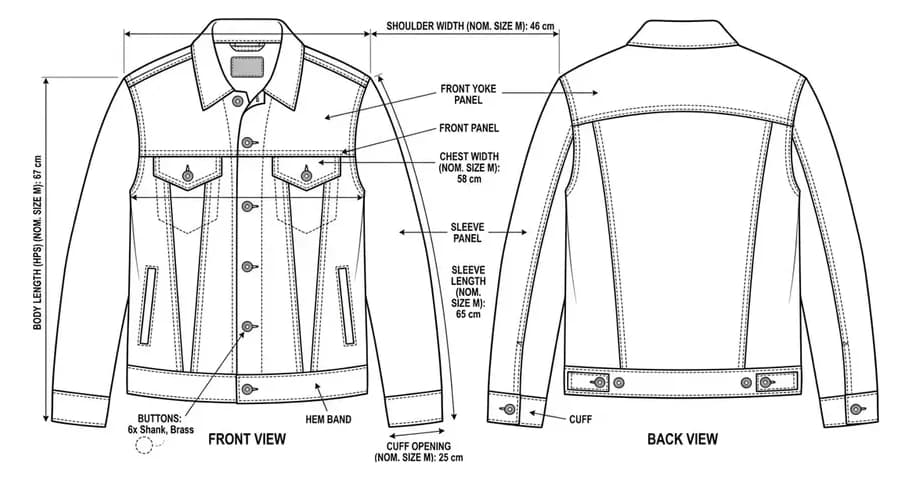
Clothes & Fashion
Front and back flats with the callouts a tech pack needs.
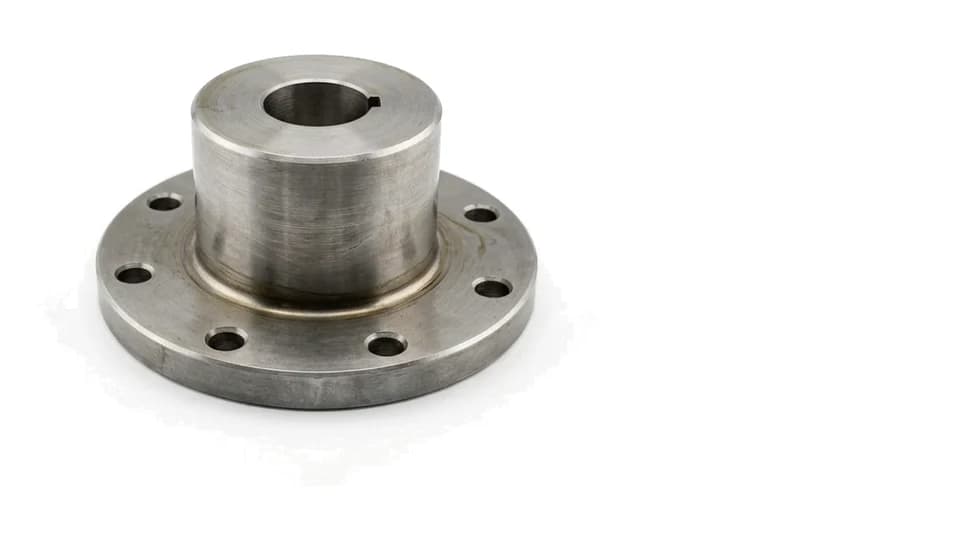
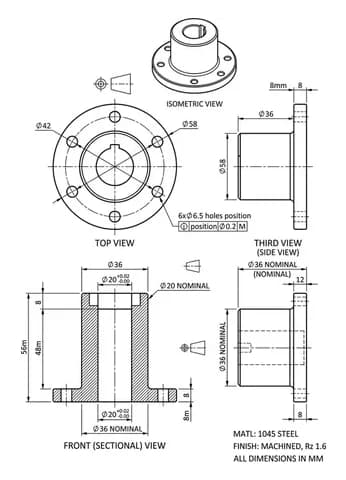
Machine Parts
Views, tolerances and a DXF your machine shop can quote from.
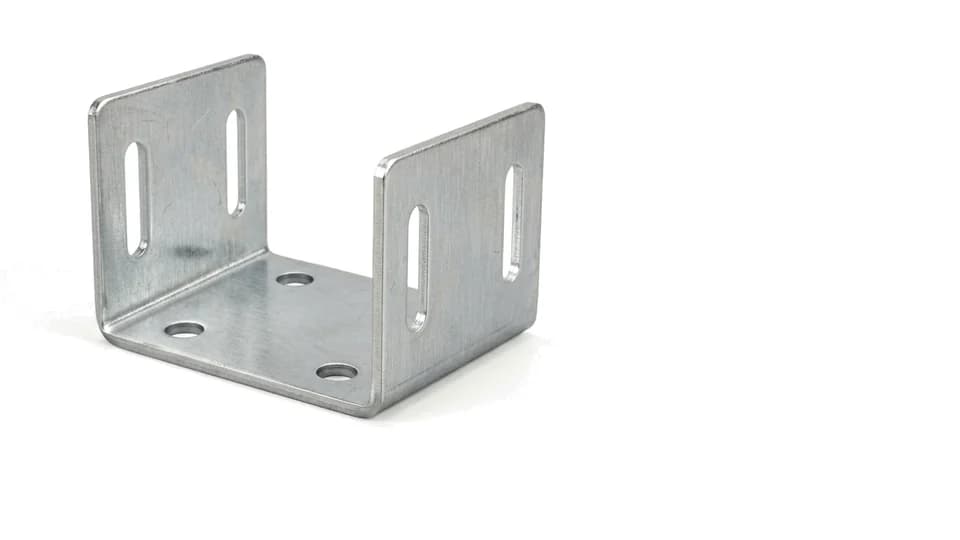
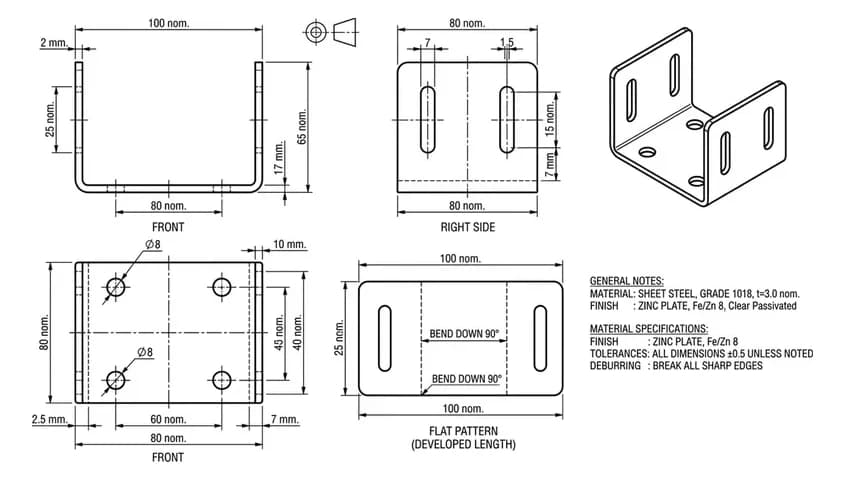
Sheet Metal
Bend lines, a flat pattern and a DXF for the laser table.
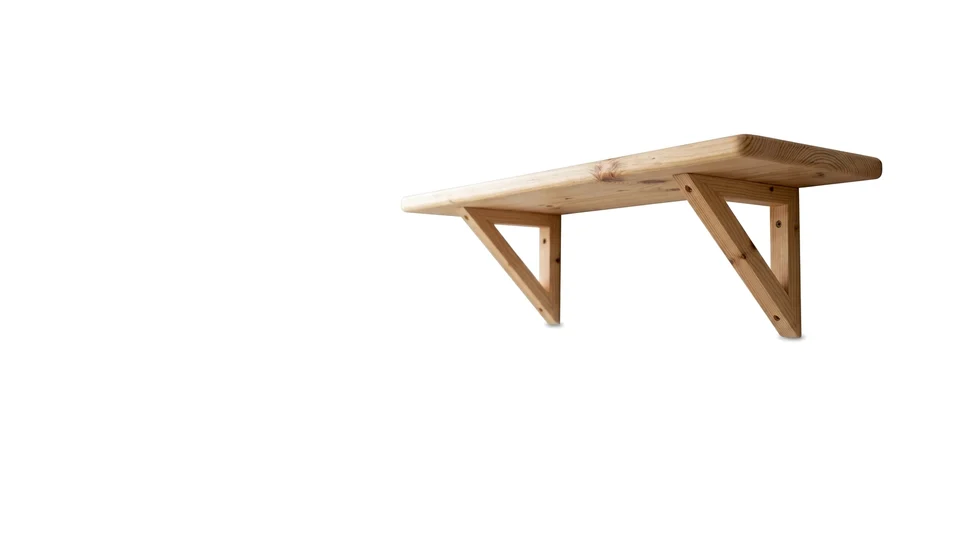
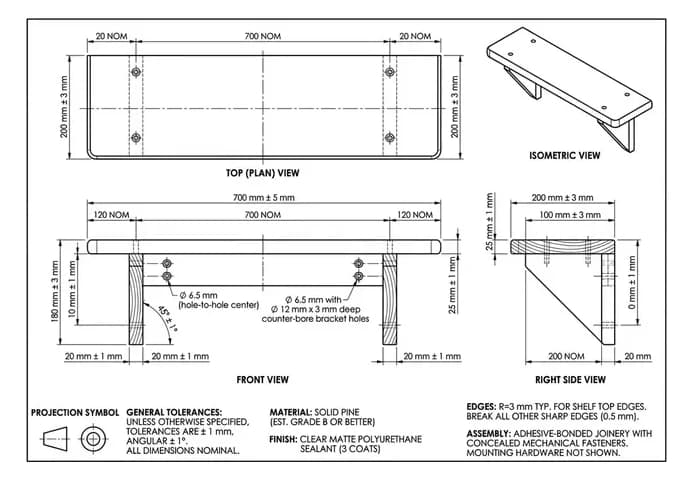
Woodworking
Plans you can build from, or a 1:1 template to print.
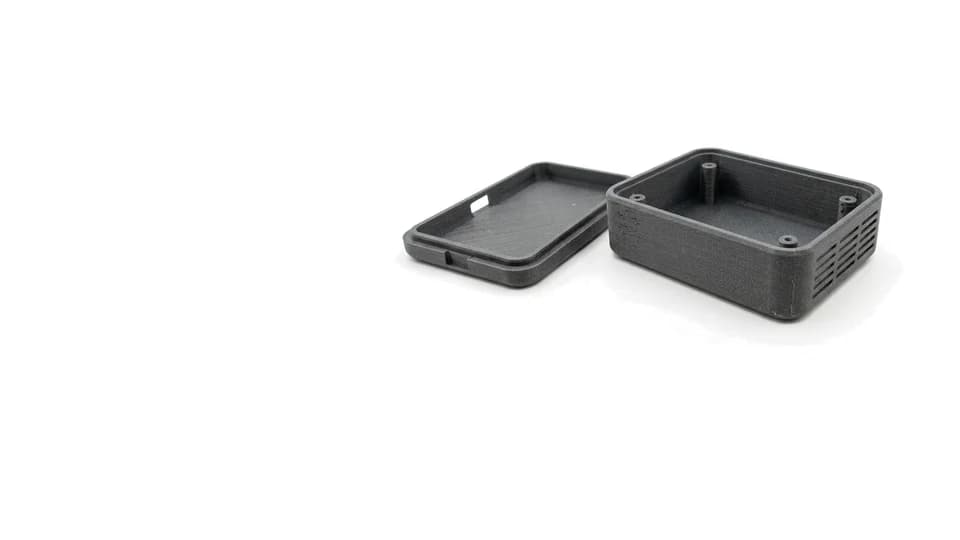
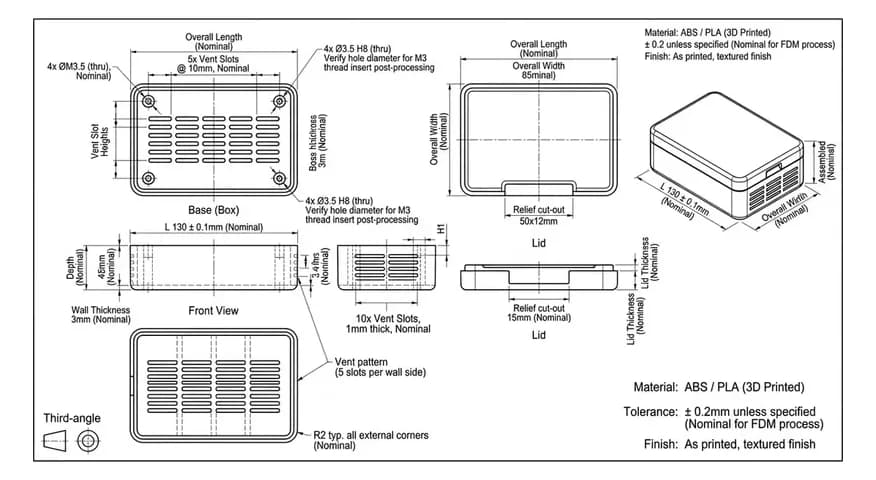
3D Printing
Wall thickness, clearances and fits, checked before you print.
Or start somewhere else. Describe the part in words and get the sheet without a photo, or get the object back as a 3D model, from a photograph of it or from the drawing you already have.
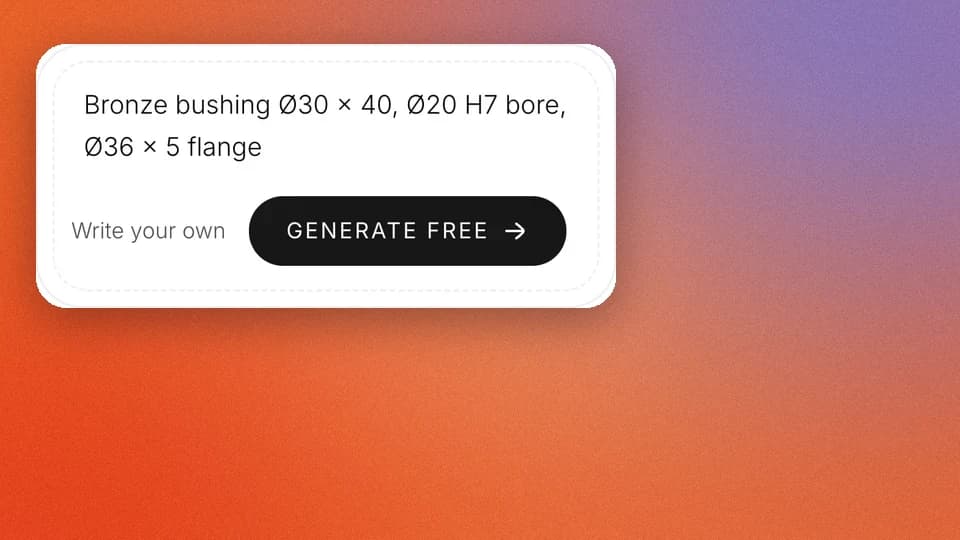
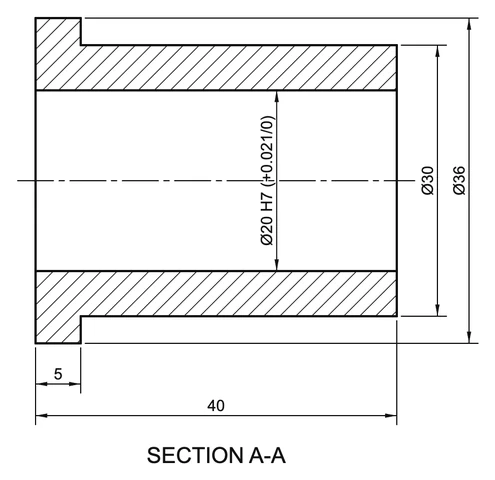
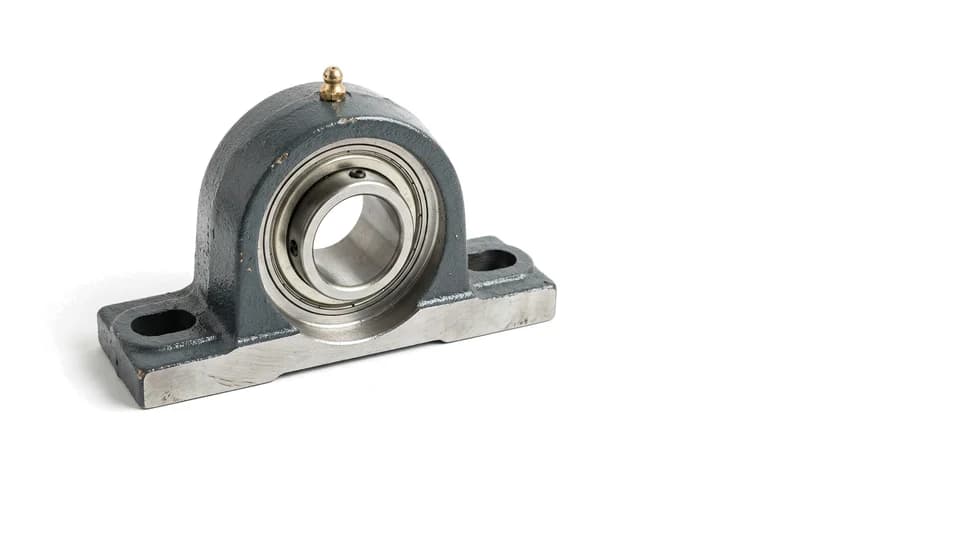
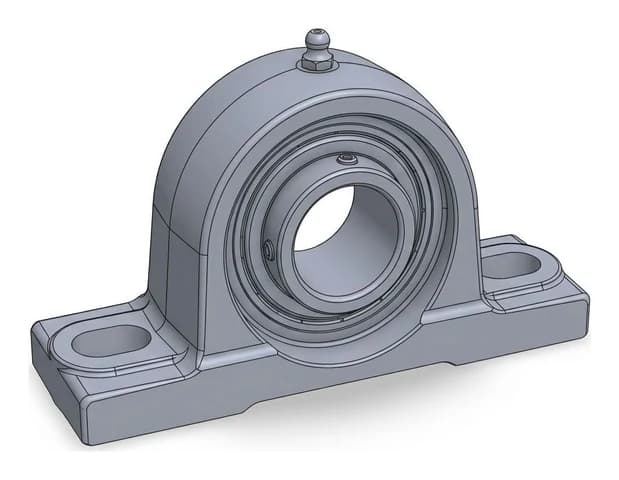
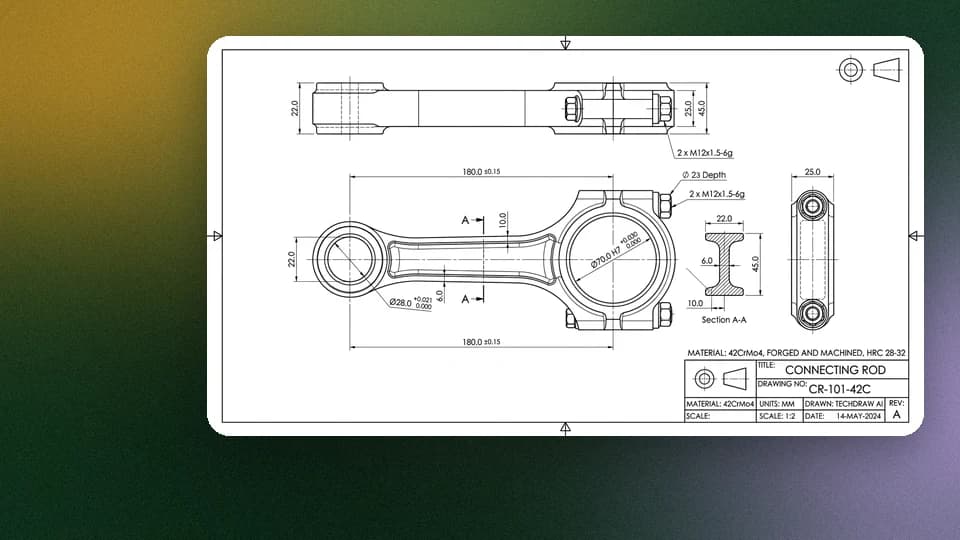
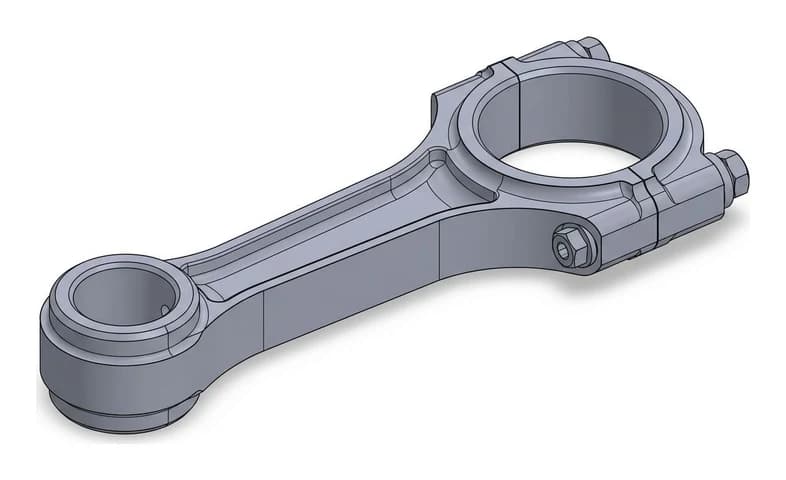
The image to CAD converter built for real parts
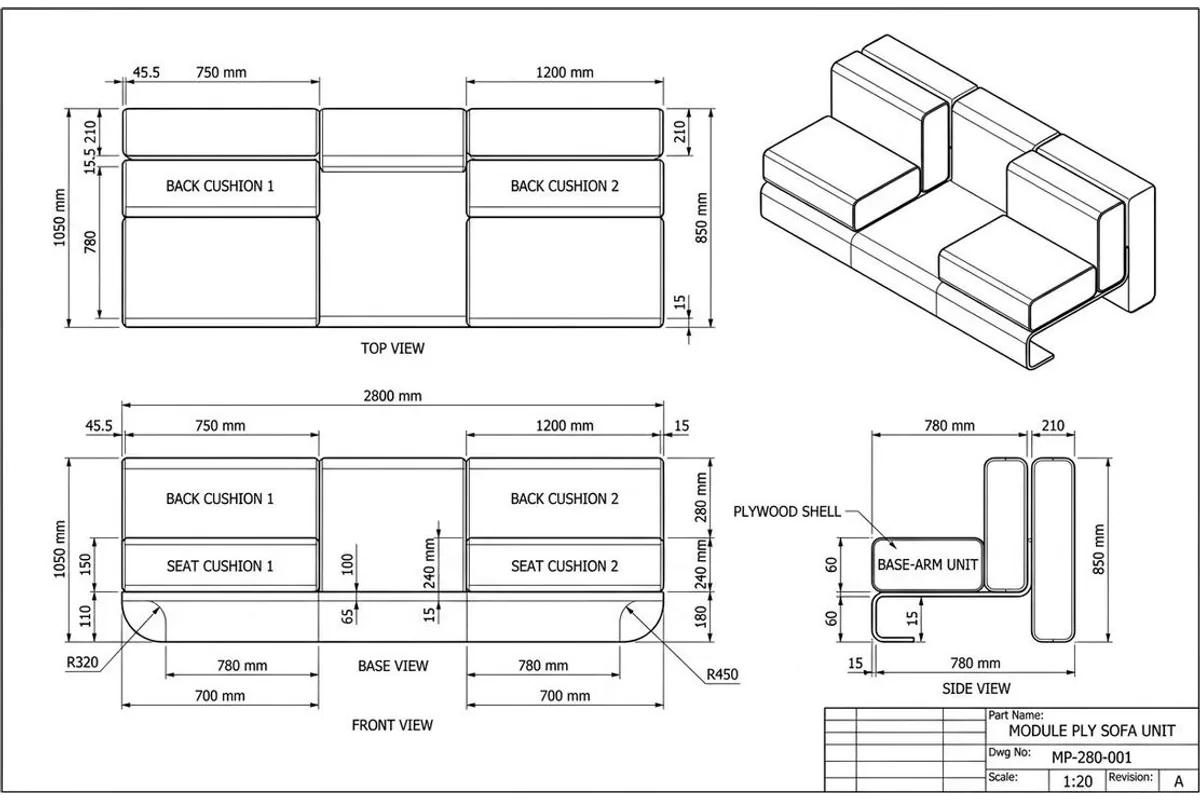
Most tools that convert a picture to a CAD file just trace pixels, so the geometry comes out jagged and the size is a guess. TechDraw AI works like a drafter instead: it reads the part in your photo, lays out proper orthographic views, places the dimension lines and anchors every number to a real measurement you set. The result is a technical drawing a machine shop can actually quote, not a raster trace.
From an image
Photos of physical parts, hand sketches and scanned drawings come back as clean DXF and DWG that open in AutoCAD, SolidWorks, Fusion and FreeCAD, plus SVG and PDF for laser cutting. Need only an outline trace? The free browser converters do that with no signup and no upload.
From a CAD file
Open any drawing without AutoCAD, then rewrite it into whatever the next step needs. Every one of these runs in your browser, so the file never leaves your machine.
From a 3D model
The STEP converter reads real solid geometry through the OpenCascade kernel and meshes it at an accuracy you set. Going the other way, coplanar triangles grow into faces you can actually select, instead of one face per triangle. The repair tool counts holes, open edges and flipped faces before it changes anything.
User creations
Every drawing below started as the photo it wipes back to. Open one to drag the two against each other.
156,000+ users can't be wrong. Let AI draft your next drawing.

“My shop foreman asked which drafter made these sheets. It was just me and TechDraw AI lol. Did 3 parts in one afternoon.”

“found a tolerance error my old drawings missed for years. The AI flagged it and fixed the callout automatically.”

“I use this for client handovers now. Upload a part, get fully dimensioned views in 10 minutes. They think I have a whole drafting team.”

“Just started at a furniture workshop and had no idea how to do a cutting list. This generated the whole BOM from one photo. Way faster than I expected.”
“Tested every projection angle in 5 min. love it.”
“pretty impressed honestly. Full orthographic set in under a minute and the dimensioning was spot on.”

“I used to redraw everything by hand. Now I sketch on paper, photograph it, and get clean editable geometry back. Saved me hundredss of hours already.”
“found the GD&T symbols it placed were textbook correct. Nice.”

“Drew up my whole assembly in one evening. Showed my boss and he tought I outsourced it. Nope, just AI.”
“I'm not a draftsman at all but this made me feel like one. Tried an exploded view for a bracket and actualy sent it to the machine shop.”

“Only tool where the title block and standards come out ISO-correct every time. Huge diffrence compared to others.”

“used it to document my dad's workshop jigs. He saw the sheets and was like okay do all of them lol.”

“Been using it for 3 months on a product line. The AI keeps every view and the BOM in sync when I change a dimension. Saved me probably 2000+ hours of rework.”
“genuinely fun to use. The auto-dimensioning is addicting.”
“This replaced my drafting board, my templates, and half my CAD busywork. Not even exagerating.”

“section views that used to take an hour now take seconds. Worth every penny.”

“Changed one hole diameter and it updated across all four views and the parts list instantly. Mind blown.”

“Does in seconds what took me hours in CAD. Clean lines, correct scale. No lerning curve at all.”

“On the free plan and its been enough for my prototyping. Already exported 3 drawings to DXF. Will upgrade when the project scales.”
“Boss approved the drawing on the first pass wich never happens lol. Sent it to production same day.”

“Was redrawing a frame for weeks. Fed the photo into TechDraw and had the full set inmediately. Should have done this first.”

“used it for a tender submission and won the job. Big time saver.”
“upload a render, pick the views, export the sheet. 20 minutes total.”
“Tried 4 or 5 CAD tools before this. The line quality here is noticably better and it actually places dimensions correctly wich none of the others did. Game changer.”
“quick, easy, accurate. Using it for all my fabrication drawings now.”
“My colleagues kept asking who drafted my sheets. Told them it was AI and half the team signed up the same week haha.”

“As a mechanical engineer I was skeptical but this speeds up my workflow so much. Clients get drawings AND a parts list right away.”

“Where was this when I documented my first machine?? Now I run everything through the AI first and export production-ready sheets.”
Frequently asked questions
How do I convert an image to CAD?+−
Upload the image, whether a photo, a hand sketch, a JPG or a PNG, and TechDraw AI traces the part, lays out the orthographic views and places the dimensions. You set the real scale with one measurement, then export the drawing as a DXF or DWG file and open it in AutoCAD, SolidWorks, Fusion or any other CAD program.
What image formats can I convert to CAD?+−
JPG, JPEG, PNG, WebP, HEIC, TIFF, BMP, GIF and AVIF all work. Phone photos, scans of old drawings and hand sketches are the most common inputs. Whatever you upload, the output is the same: a dimensioned technical drawing exported as DXF, DWG, SVG or PDF.
Can AI create a technical drawing?+−
Yes. TechDraw AI generates a clean, dimensioned technical drawing from a photo of your part, with proper orthographic views and a title block, in seconds. The AI does the drafting and you confirm the real measurements.
Can AI turn a photo into a technical drawing?+−
Yes. Upload a photo of the object and TechDraw AI reads its shape, arranges the front, top and side views, and places the dimension lines for you. You enter the real scale and key lengths so the drawing matches the actual part.
Can AI turn a sketch into a technical drawing?+−
Yes. A hand sketch or a rough drawing works just like a photo. TechDraw AI cleans up the lines, standardises the proportions and returns a tidy, dimensioned drawing you can refine and export.
Can ChatGPT make technical drawings?+−
ChatGPT and general image generators can make a picture that looks like a technical drawing, but it is not drawn to scale, the dimensions are made up and you cannot export it to a CAD file. TechDraw AI is purpose-built: it ties every dimension to the real sizes you provide and exports a file a workshop can actually use.
Can I convert a photo or image to a DXF file?+−
Yes. TechDraw AI exports your drawing to DXF, DWG, SVG and PDF, ready for AutoCAD, SolidWorks, Fusion and most CNC and laser-cutting machines that read DXF directly.
How accurate are AI-generated technical drawings?+−
They are as accurate as the measurements you provide. Many tools guess the size from the pixels in a photo, which is unreliable. TechDraw AI asks you to set the real scale and the lengths that matter, then builds every dimension from those, so the numbers come from your part and not a guess.
Will a machine shop accept an AI-generated drawing?+−
Shops care about the content of the sheet, not who drafted it. If it has correct views, clear dimensions, stated tolerances and a complete title block, it quotes and machines like any other drawing. TechDraw AI is built to produce exactly that, and you confirm the key values before you send it.
Is there a free AI technical drawing tool?+−
Yes. You can start creating technical drawings with TechDraw AI for free, with no credit card and no CAD license required.
Do I need CAD experience or software to use it?+−
No. There is nothing to install and no drafting skills needed. You upload a photo or describe the part, set the measurements, and TechDraw AI handles the views, dimensioning and standards.
What can I use TechDraw AI for?+−
Documenting mechanical parts, brackets and fixtures, furniture and woodworking pieces, sheet-metal profiles, replacement parts and patent-style figures. If you can photograph it or describe it, you can turn it into a drawing.
What standards and file formats does it support?+−
It applies ISO, ANSI and DIN title blocks, line weights and GD&T symbols automatically, and exports to DXF, DWG, SVG and PDF so the result drops straight into your CAD or CAM workflow.
Do you use my uploads to train AI models?+−
No. Your photographs, prompts and drawings are never used to train or improve any AI model, ours or anyone else's, and they are not sold or shared for that purpose. You keep ownership of what you upload and of every drawing and CAD file made from it, including for commercial work. The converters, viewers and CAD exports also run inside your browser, so those files never reach a server at all. TechDraw AI is run from the EU, so your files are covered by the GDPR wherever you are, and every company that touches them is a contracted processor that may not use them for anything of its own. The full detail, including which companies see what, is on the Data and IP page.
How can I contact support?+−
Email our team any time at info@techdrawai.com. We help with drawings and exports, credits and billing, cancellations and refunds, and usually reply within one business day. You can also reach us from the Contact page.